INSTALL GUIDE
Install Bet Blocker in Chrome, Edge, or Brave.
Your Bet Blocker download is a ZIP file. Unzip it first, then load its folder in Chrome, Microsoft Edge, or Brave on desktop.
Screenshots show Chrome; control positions can differ in Edge and Brave.
 01
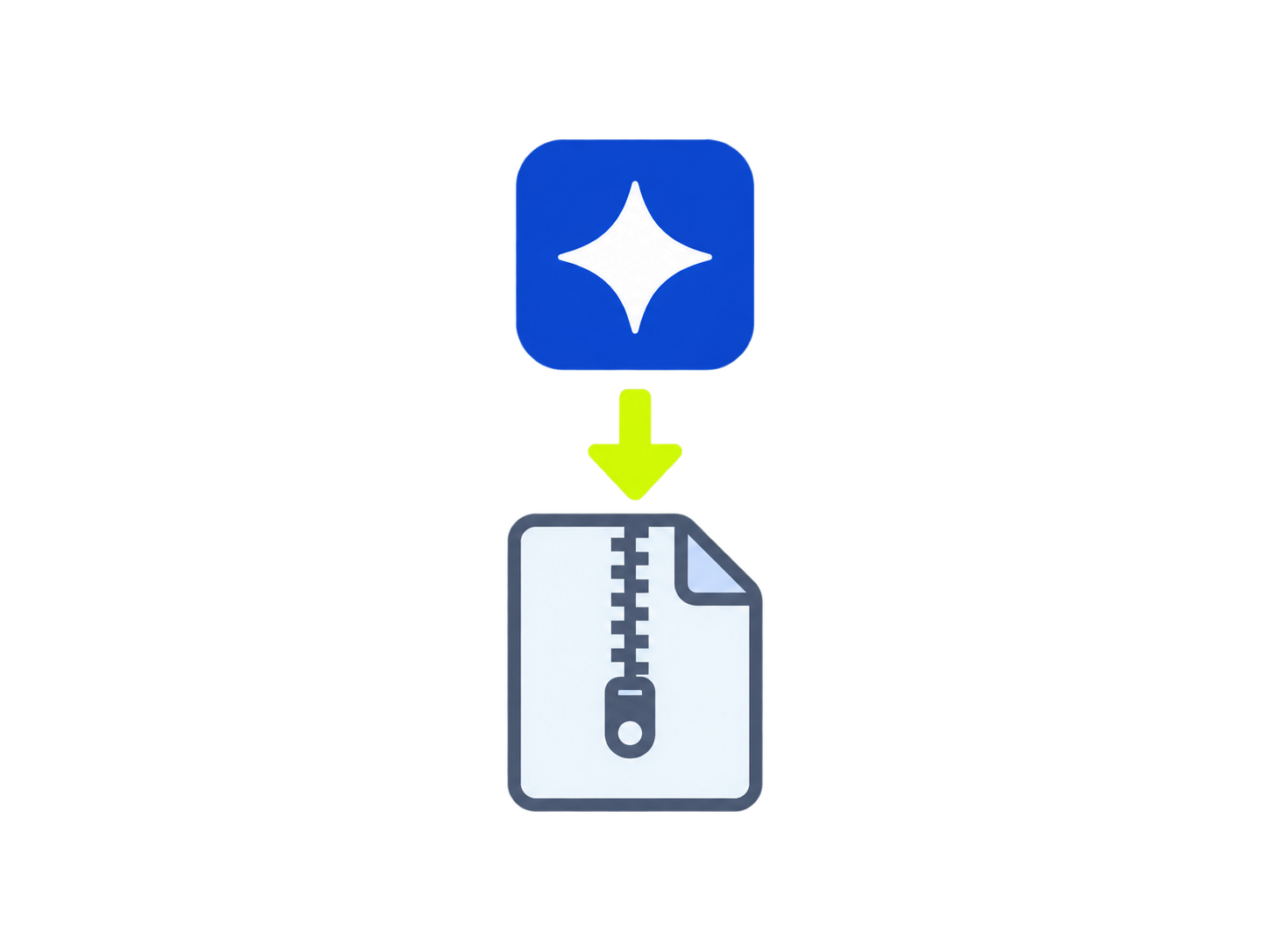
01Download Bet Blocker
Use the download button in your account. Keep the file until your browser has loaded the extension.
 02
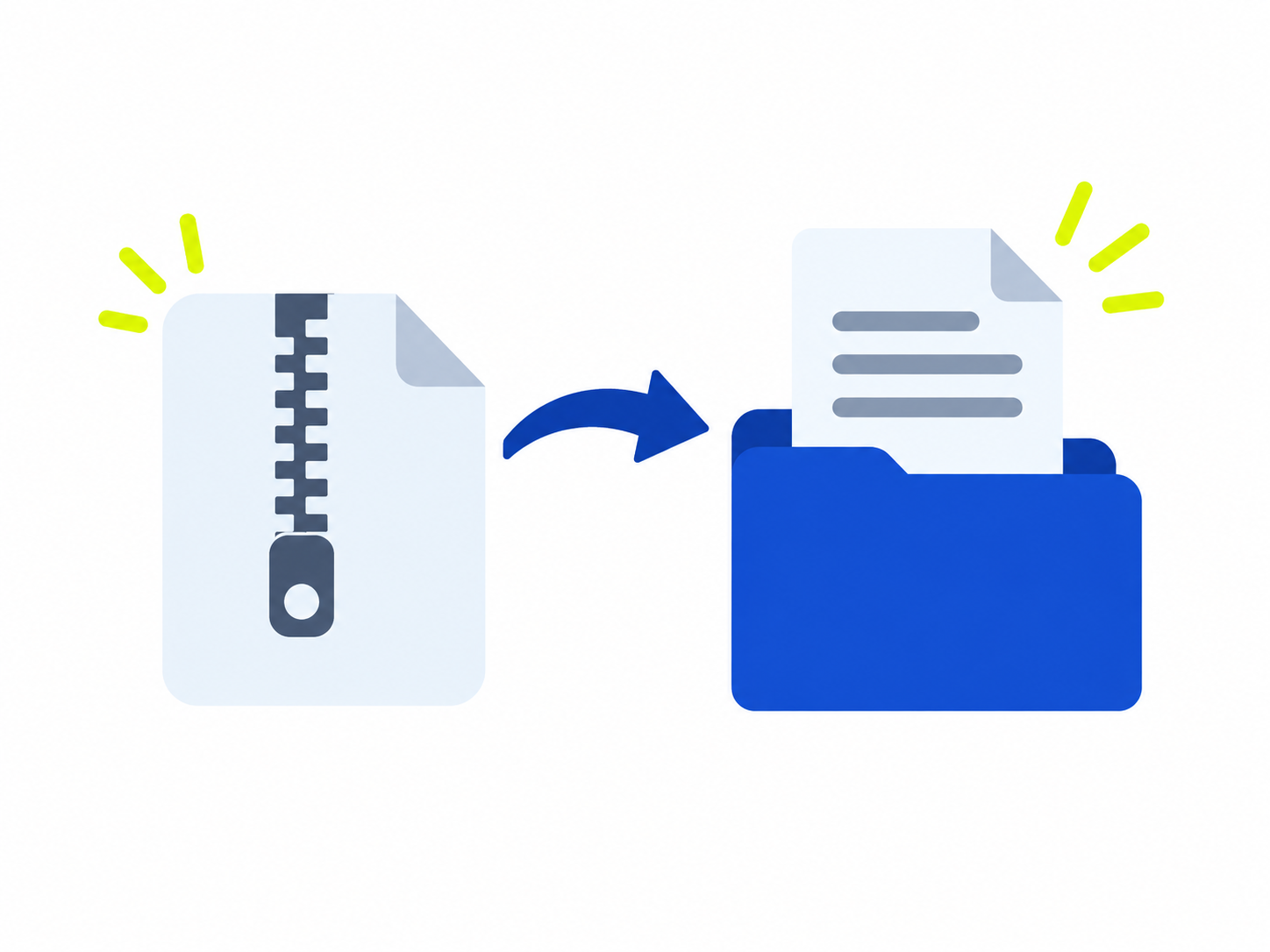
02Unzip the download
Open the ZIP, then keep the extracted folder that contains manifest.json in a permanent location.
 03
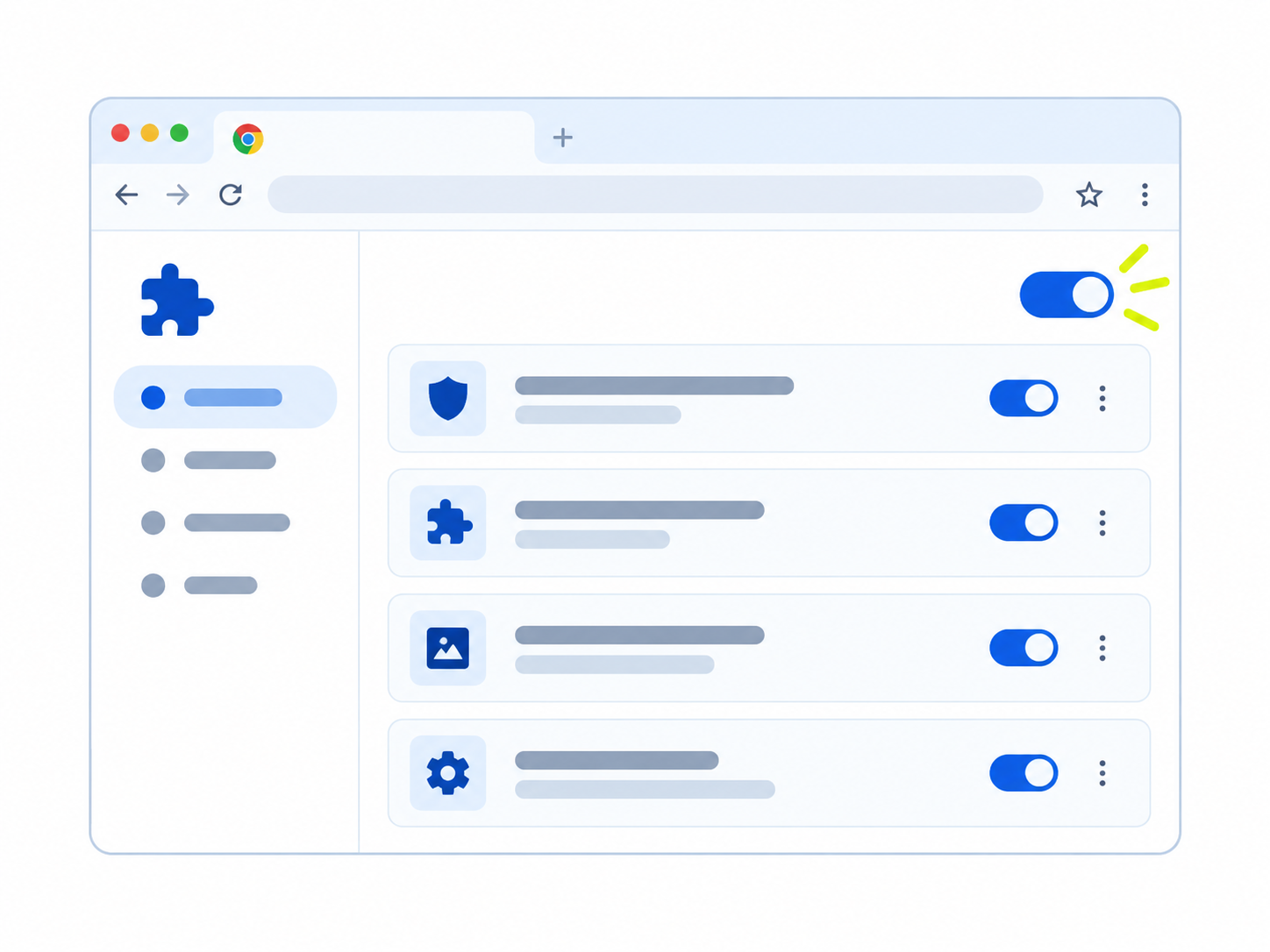
03Open your browser’s Extensions page
Open chrome://extensions in Chrome, edge://extensions in Edge, or brave://extensions in Brave. Turn on Developer mode.
 04
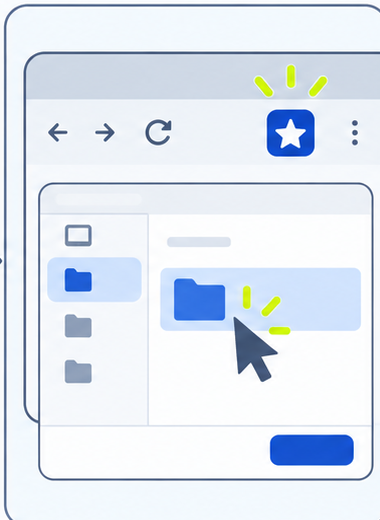
04Load the folder
Select Load unpacked, then choose the extracted folder containing manifest.json. Do not select the ZIP file.
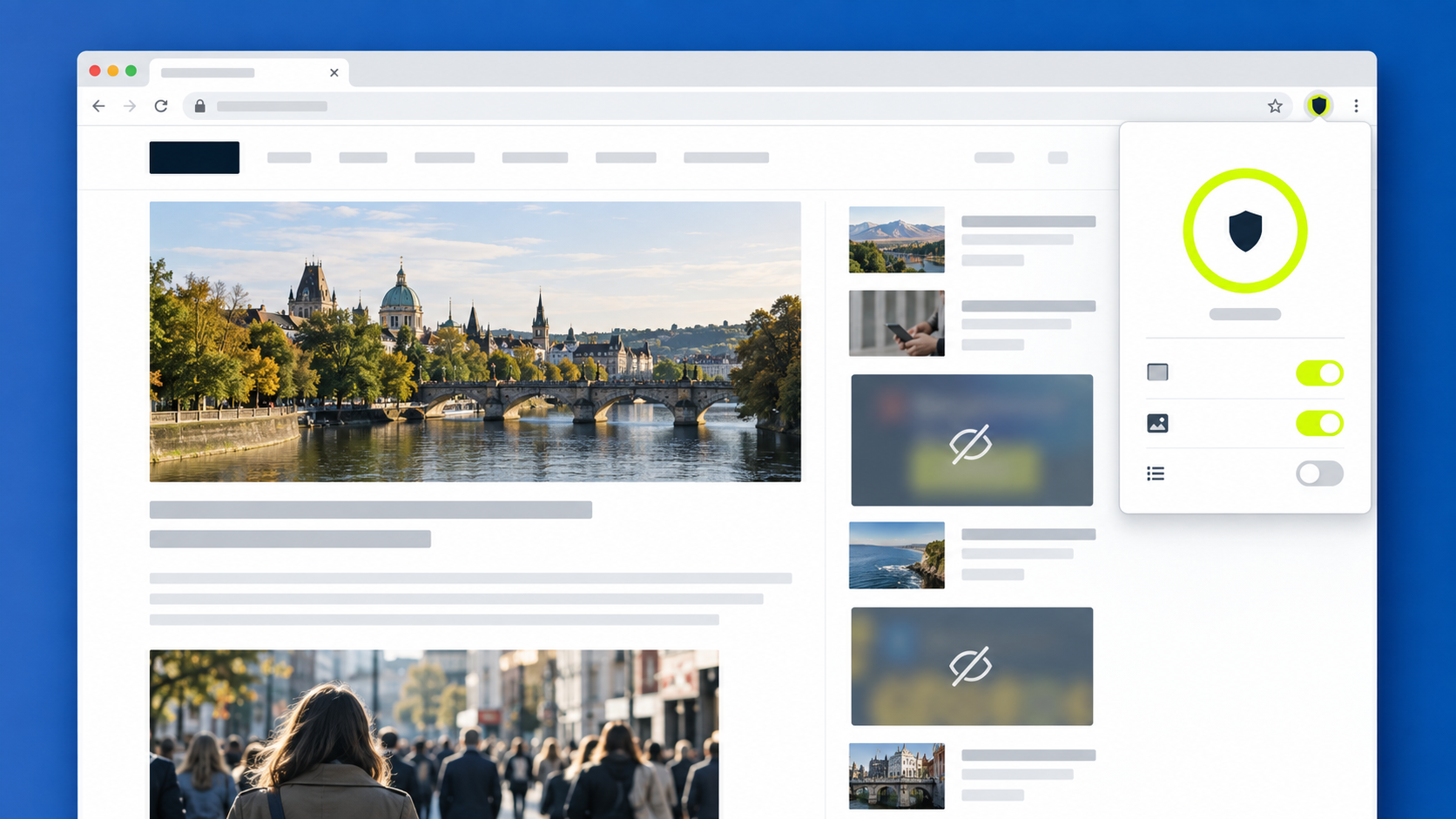 05
05Verify protection (pinning optional)
Open Bet Blocker from your browser’s Extensions menu and confirm protection is enabled. For quick access, optionally pin it in Chrome or Brave, or use the toolbar visibility control in Edge.